Rowie in your pocket
Tap to pay, tabs, tables, tickets, bookings, and invoices. All in one app.
Payments, front of house, and back office. Tap to pay, bar tabs, table service, ticketing, bookings, and invoices, all from one app.
No credit card required · Free plan available · Cancel anytime
See what Rowie can do
Every tool a busy venue needs, built into one app.
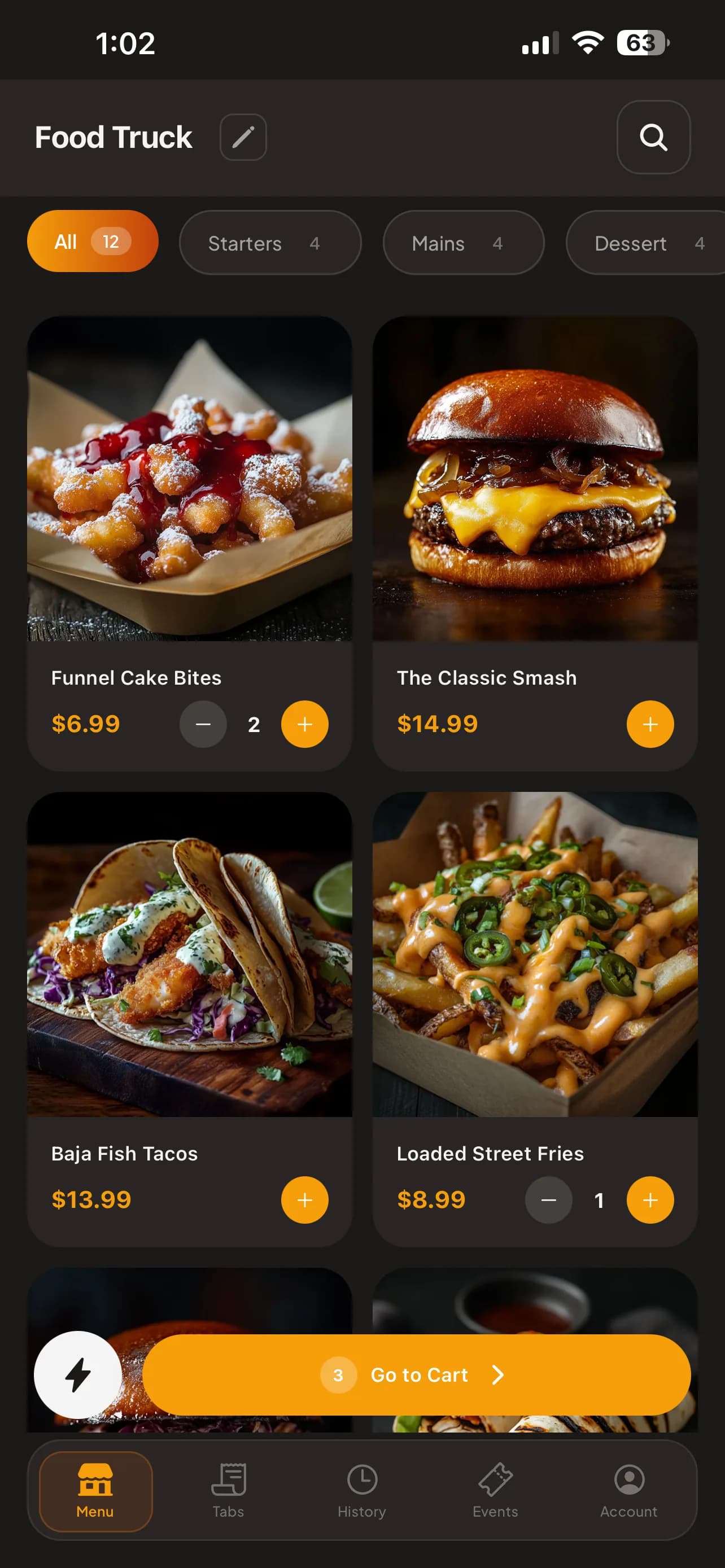
Build Menus. Tap to Pay.
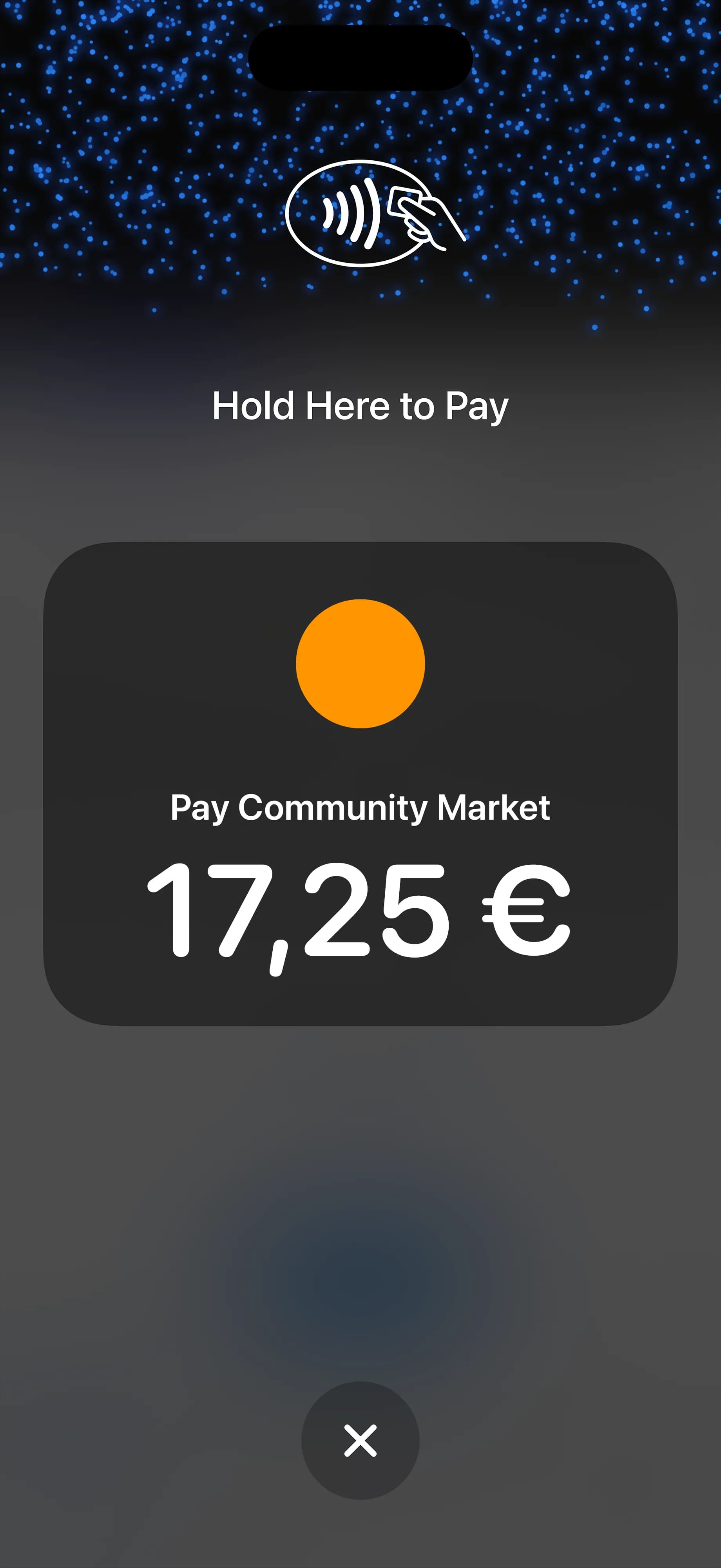
Create your menu, set your prices, and start accepting contactless payments. All from your phone. No card reader, no extra hardware. Customers scan a QR code to order on their own — at the table or for pickup.
- Build and customize menus in minutes
- Table-specific QR codes for dine-in
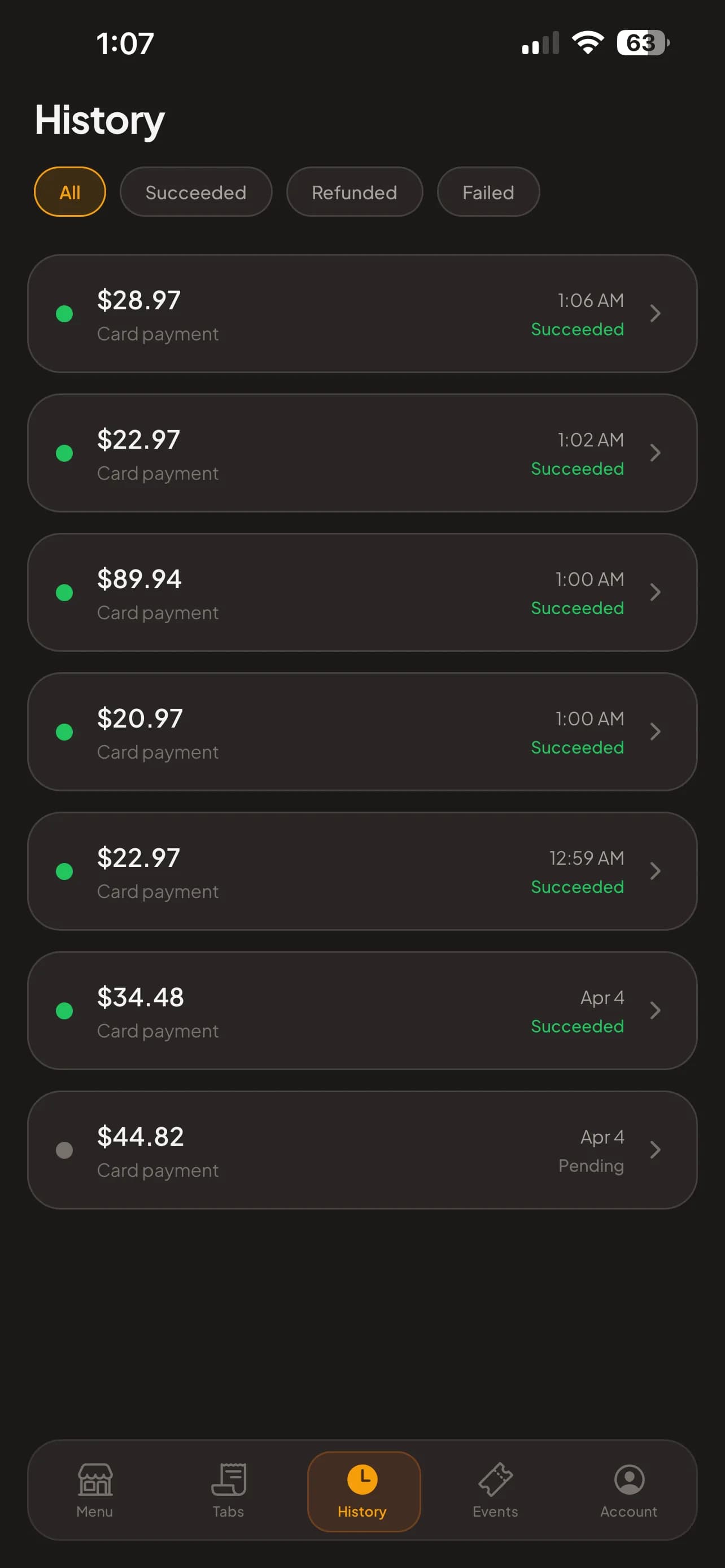
- Accept payments with tap to pay on your phone
Floor plans & table service
Lay out your dining room once, then follow service at a glance in the Rowie portal: who's just sat down, who's waiting on the kitchen and who's ready to pay. The portal can also show the room in 3D. On the floor, your team runs the same tables from the app: open a tab, fire rounds to the kitchen and settle at the table.
- See your room in 3D in the portal: chairs at every table, live status colours and running bills
- Drag-and-drop floor plans with seats per table
- Tap a table to open a tab and start taking orders

- Free
- Seated
- Seated 30+ min
- Paying
Sample restaurant. The 3D view is in the Rowie portal; the app runs service on a 2D floor plan.
Ticketed Events
Publish an event, set ticket tiers, and start selling in minutes. Guests get QR codes for entry and can save tickets to Apple or Google Wallet.
- Multiple ticket tiers with quantity limits
- Scan-at-door check-in from the app
- Apple Wallet and Google Wallet passes
Online Bookings
Take table reservations and appointments on your own booking page. Set your hours, services and prices — guests pick a time in a few taps, and Rowie sends the confirmations and reminders.
- Multiple booking pages with custom URLs
- Set working hours, blocked dates, and time slots
- Accept payments online or at the appointment
Everything else, built in
Sales at a Glance
Sales, orders, tips and average order against the same time last week, plus your best sellers, your busiest hours and how guests pay. It updates as you sell.
Invoices in Seconds
Create an invoice from the portal in seconds: line items, due date, sent by email. Customers pay online through Stripe, and you see what's outstanding, paid and overdue.
Know Your Customers
Every transaction, whether it's a tap payment, booking, ticket, or subscription, builds a complete picture of each customer.
Manage Your Team & Calculate Pay
Invite staff, track hours and tips, and let Rowie work out exactly what every team member is owed, including overtime. We hand you a clean CSV. You pay your team yourself through your own bank, payroll provider, or cash. Rowie never moves money for staff payroll.
Recurring Subscriptions
Create membership plans and subscription offerings. Customers subscribe through your branded page, and billing is handled automatically every month.
Pick your plan
Both plans include the full Rowie toolkit. Upgrade when you need lower rates and premium features.
Pick your plan
Both plans include the full Rowie toolkit. Upgrade when you need lower rates and premium features.
Not sure? Start free →Pro
Full toolkit for busy venues
7-day free trial
- Everything in Starter
- Unlimited locations & menus
- Table service & QR ordering
- Invoicing & subscriptions
- Team Pay & unlimited team members
- Full analytics & exports
Starter
Get up and running at zero cost
Pro
Full toolkit for busy venues
7-day free trial
Pro
Full toolkit for busy venues
7-day free trial
- Everything in Starter
- Unlimited locations & menus
- Table service & QR ordering
- Invoicing & subscriptions
- Team Pay & unlimited team members
- Full analytics & exports
Starter
Get up and running at zero cost
Pro
Full toolkit for busy venues
7-day free trial
See it in action
Drop us a line and we'll walk you through everything. Usually reply same day.
Got questions?
Here are the ones we hear most.
Just your phone and a free Rowie account. There's no hardware to buy, no reader to pair, and nothing to charge overnight. Sign up, set up your menu, and start accepting payments in minutes.
The free Starter tier charges 1.9% + €0.22 per tap. Upgrade to Pro at €29.99/mo and that drops to 1.6% + €0.20. No surprise charges, no lock-in. Keyed-in card numbers carry a slightly higher rate because of added fraud screening. If you process high volume, contact us about custom pricing or manual entry rates.
Stripe handles all the settlement behind the scenes. Daily deposits are available by default, and you can opt into instant payouts for a small fee. Either way, funds land straight in your bank account.
On the Apple side, any iPhone XS or newer running iOS 16.4+. For Android, any handset with NFC on Android 8.0 (Oreo) or later. That covers basically any phone from the last six years.
Yes. Build a separate menu for every venue, market, or event, each with its own products and prices. Swap between them with a single tap in the app. Pro subscribers get unlimited menus, which is ideal if you work multiple locations.
Enable it on any menu and Rowie generates a QR code. Customers scan it, browse your products, and place an order. With optional online payment. You get a real-time notification and manage everything from the vendor dashboard.
Absolutely. Create an event, set up ticket tiers with different prices, and share the link. Customers buy online, get a QR code ticket, and you scan them at the door with your phone. Apple Wallet and Google Wallet passes are included.
Every tip is tracked per sale and per team member. Revenue splits automatically divide payments between partners, venues, and staff so nobody has to do the math afterward.
None. Everything is month-to-month. You can downgrade back to the free Starter tier whenever you want, right from your account settings. No cancellation fees, no lock-in.
Yes. Rowie never touches card numbers. All payment data is handled entirely by Stripe, which is PCI Level 1 certified. Your customers' information never passes through our servers.
Typed card numbers carry more fraud risk than a physical tap, so payment networks charge a premium. On Starter that works out to 2% + €0.27 per transaction; on Pro it's 1.7% + €0.25. The same rates apply to online sales like ticket purchases and menu orders. Tap to Pay is always the cheapest way to accept a card.
We operate in 36 countries today: Australia, Austria, Belgium, Bulgaria, Canada, Croatia, Cyprus, Czechia, Denmark, Estonia, Finland, France, Germany, Hungary, Ireland, Italy, Latvia, Liechtenstein, Lithuania, Luxembourg, Malta, Netherlands, New Zealand, Norway, Poland, Portugal, Romania, Singapore, Slovakia, Slovenia, Spain, Sweden, Switzerland, United Arab Emirates, United Kingdom, United States. Your currency is set automatically based on the country you choose at signup.
Create a booking page, add your services with durations and prices, and share the link. Customers pick a date, choose a time slot, and book. With optional online payment. You get confirmation emails, reminders are sent automatically, and you manage everything from the vendor dashboard. Available on both Starter and Pro.
Yes. Pro subscribers can create recurring membership plans (weekly, monthly, or yearly). Set up your plans, share your subscription page, and customers sign up with automatic billing through Stripe. You can track subscribers, revenue, and churn from your dashboard.
Pro subscribers get Team Pay, a built-in tool for calculating what each team member is owed. Log hours, set hourly rates, pool and distribute tips, and Rowie does the math (including overtime). When you approve a pay run, Rowie generates a CSV report you can hand to your bank, payroll provider, or accountant. Rowie does not move money to your staff and does not store their bank details. You pay your team externally using the method that suits you. Team Pay is a calculation and reporting tool, not full payroll. You remain responsible for your own tax and employment obligations.
What do I need to get started?
Just your phone and a free Rowie account. There's no hardware to buy, no reader to pair, and nothing to charge overnight. Sign up, set up your menu, and start accepting payments in minutes.
Your next service starts here
Create your account in minutes. Completely free to start.
No card on file needed · Downgrade anytime